Herdr: A Better Way to Keep Coding Agents in View
What changes when Claude Code, Codex, and other coding agents share a persistent, agent-aware terminal workspace.
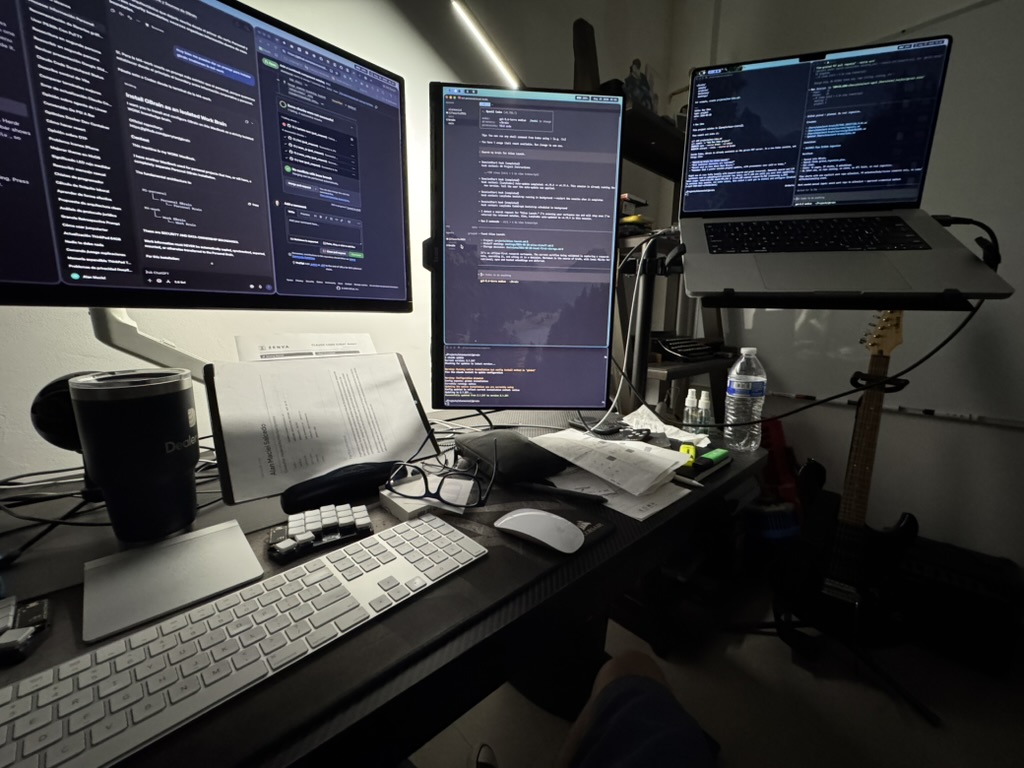
The hard part of using coding agents in parallel is rarely starting them. It is knowing what they are doing once the terminal count starts growing.
One agent may be implementing a feature, another may be reviewing a different area of the codebase, and a development server may still be running in the background. A handful of terminal windows can handle that, but soon the work shifts from programming to reconstructing state: which agent is still working, which one is blocked on permission, and which result needs attention now?
Herdr is an answer to that coordination problem. As explained in this walkthrough, it is an open-source, agent-aware terminal runtime that keeps real terminal sessions together while making their purpose and status easier to see.
The terminal is still the interface
Herdr does not ask developers to abandon the terminal or move their workflows into a proprietary agent dashboard. Claude Code, Codex, OpenCode, and other command-line agents still run in ordinary terminal panes. That matters because the tools, logs, prompts, and processes remain available in the same environment where the work happens.
What Herdr adds is structure around those terminals. Rather than treating every pane as an anonymous rectangle, it can group work in four layers:
- Spaces separate projects.
- Tabs separate tasks or areas of a project.
- Panes are the visible terminal surfaces.
- Agents expose the processes running inside those panes.
That model is simple, but it changes how a busy workspace reads. A development project can contain a research tab, an implementation tab, and a review tab without mixing them with another repository. The screen becomes a map of the work, not just a pile of shell sessions.
Status is more useful than another split pane
Traditional terminal multiplexers are excellent at creating and arranging panes. But when agents are involved, the most useful question is often not “where is the pane?” It is “what state is the agent in?”
Herdr is designed to surface that distinction. An agent can be working, idle, done, or blocked because it needs input or permission. The agent list becomes a triage surface: instead of cycling through every terminal, I can jump to the one that actually needs a decision.
That is especially helpful when different tools are involved. The video demonstrates a workspace where Claude Code performs parallel research while another agent waits to review the files produced by the first two. The work is visible as a small system: two agents produce outputs, a third reacts to those outputs, and the human can observe the whole flow without constantly moving between windows.
A useful pattern: research, then review
The example in the walkthrough is intentionally straightforward. Two agents investigate different parts of a product question: one focuses on the structure of an AI-product landing page, while another studies its positioning. A third agent waits for the resulting files and then reviews them together.
The important idea is not the landing page. It is the handoff.
Parallel agents are most valuable when their work has clear boundaries and a clear next step. Herdr makes that handoff easier to supervise because the agents, their terminal output, and their status stay in one workspace. The review agent can be prepared in advance, while the human retains the ability to inspect or redirect each contributor.
This is a more practical model than launching a crowd of agents and hoping they converge. The workspace makes the dependency visible: research first, synthesis or review after.
Letting agents create the workspace
Herdr also has a skill that teaches coding agents how to operate within the runtime. Once installed and available to an agent, it can create panels, start sessions, distribute tasks, and prepare a follow-up review flow from a natural-language request.
That does not remove human judgment. It removes some mechanical setup. Instead of manually creating every pane and copying prompts one by one, the lead agent can prepare the workspace while the developer focuses on deciding what should be delegated and what good output looks like.
The distinction matters. More automation is not automatically better orchestration. A useful agent workspace still needs boundaries, ownership, and review. Herdr can make those decisions easier to express, but it should not hide them.
Persistence changes the rhythm of work
One of Herdr’s most compelling properties is persistence. A normal terminal window is easy to close accidentally, and closing it can make a long-running agent feel fragile. Herdr keeps its terminal sessions alive in the background, so returning to the runtime can restore the view of work that was already in progress.
For long tasks, that changes the relationship with the machine. An agent can continue while I step away, switch context, close the interface, or reconnect from another computer with a keyboard. The work does not have to be tied to the moment I happen to have a terminal window open.
Persistence is not a substitute for reviewing results, and it does not make an unattended task safe by default. It is simply a better foundation for work that naturally takes longer than a single focused session.
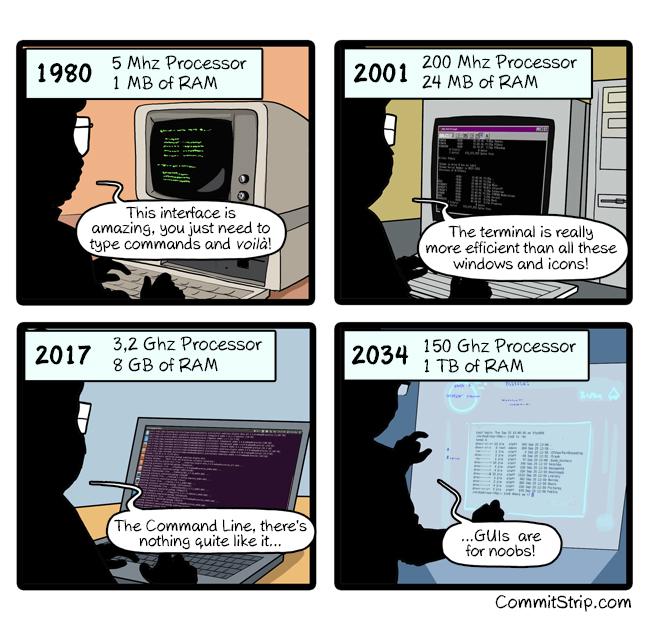 Herdr is not a replacement for every terminal
The most useful part of the video is its restraint. A normal terminal, an editor, or a lightweight two-agent setup is often enough. Adding an agent runtime has a cognitive cost, and there is no prize for turning every small task into an orchestration problem.
Herdr earns its place when the number of active agents, projects, or long-running processes makes context difficult to hold in your head. At that point, visibility and persistence are not cosmetic features. They are how you preserve control.
For simple tasks, keep the terminal simple. For real parallel work, treat the agent workspace as part of the engineering system. Herdr is interesting because it makes that system explicit: the agents have places, states, relationships, and a way back after the screen goes away.