Using a GPD MicroPC as a Remote Control for My MacBooks
A pocket-sized computer that lets me pick up work on my MacBooks from almost anywhere.
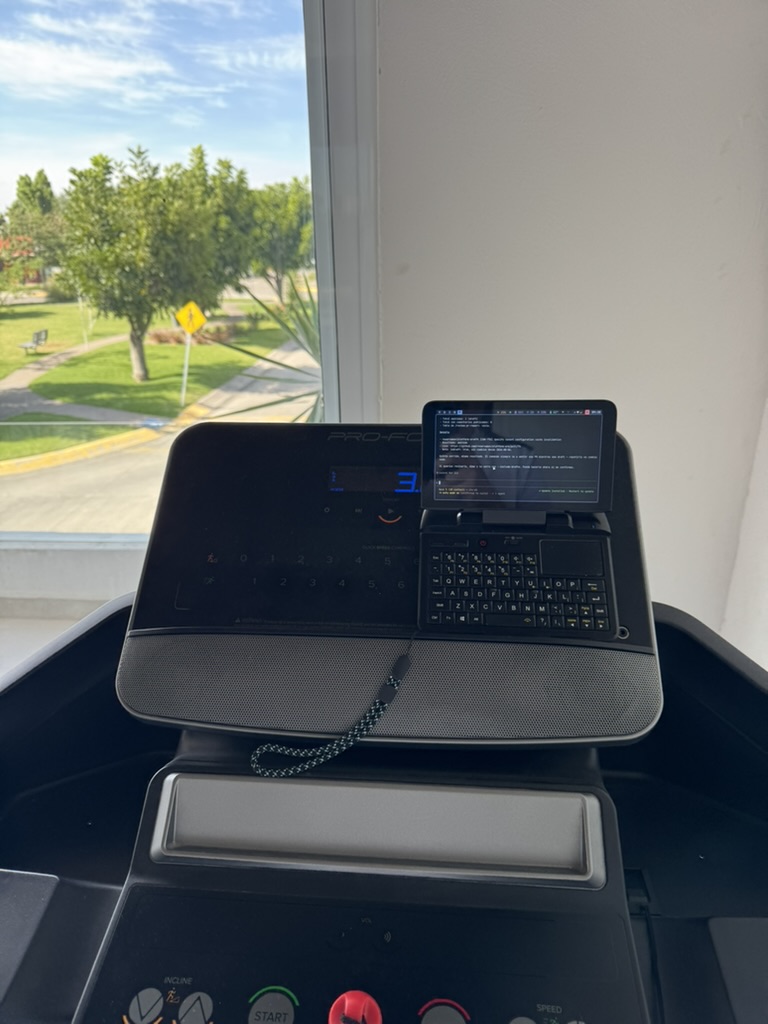
There are days when I do not need to carry a MacBook to work, but I do need to get into one. Maybe I want to check a deployment, continue a conversation with an agent, look up a file I left open, or take care of something small without turning a trip out into a full backpack move.
That is why I configured a GPD MicroPC as a remote control for my MacBooks: a small computer with a physical keyboard and enough ports to feel more like a work tool than a large phone. The goal is not to replace the MacBook. It is to have a practical way to use it remotely when I am away from my desk.
The main computer stays where it belongs
The MacBook keeps the heavy work: repositories, credentials, development tools, open sessions, and the configuration that already works. The GPD MicroPC becomes the terminal I use to reach that machine.
That changes the logistics quite a bit. Instead of duplicating projects, installing dependencies, or moving files between devices, I can connect to the environment that was already ready. Remote desktop gives me visual access when I need it; an SSH connection is faster for checking processes, using the terminal, or making small changes.
The separation has a simple benefit too: if the GPD runs out of battery, gets lost, or needs an update, my working environment remains intact on the MacBook. It is not a second workstation that needs maintenance. It is a doorway into the main one.
Why a GPD MicroPC instead of just a phone?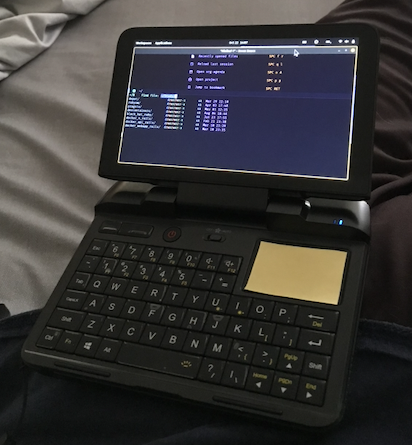
A phone can handle an emergency, but it does not invite you to work for long. Reading code, navigating a terminal, or editing a document on a touchscreen is possible, but rarely comfortable.
The GPD MicroPC takes up little space, fits in a small bag, and has what matters for this use case: a physical keyboard, screen, Wi-Fi, and ports. It is enough to open a remote session and handle real work without pulling out a larger machine. It is not trying to compete with a modern laptop; it wins by being available when a laptop would be too much.
It also lowers the friction in the spaces between activities: a wait, a commute, a visit, or an afternoon away from home. With a solid connection, I can log into the MacBook, check the state of a project, and get back to what I was doing without losing momentum.
Working from anywhere does not mean working all the time
The convenience is not about being permanently available. It is about getting the ability to choose back. Remote access means I can leave the laptop at home or at the office without feeling disconnected from my work.
It is useful for focused tasks:
- Checking that a process finished correctly.
- Looking up notes, documentation, or local files.
- Making a small change and shipping a fix.
- Returning to a development session without rebuilding its context.
- Preparing something before returning to the main desk.
The boundary matters: for a long session, visual design, video calls, or work that demands deep focus, the MacBook is still the better interface. The MicroPC works best as an extension of access rather than a replacement. That is exactly why it feels freeing: it handles the urgent work without pretending every task should happen from anywhere.
Less gear, more continuity
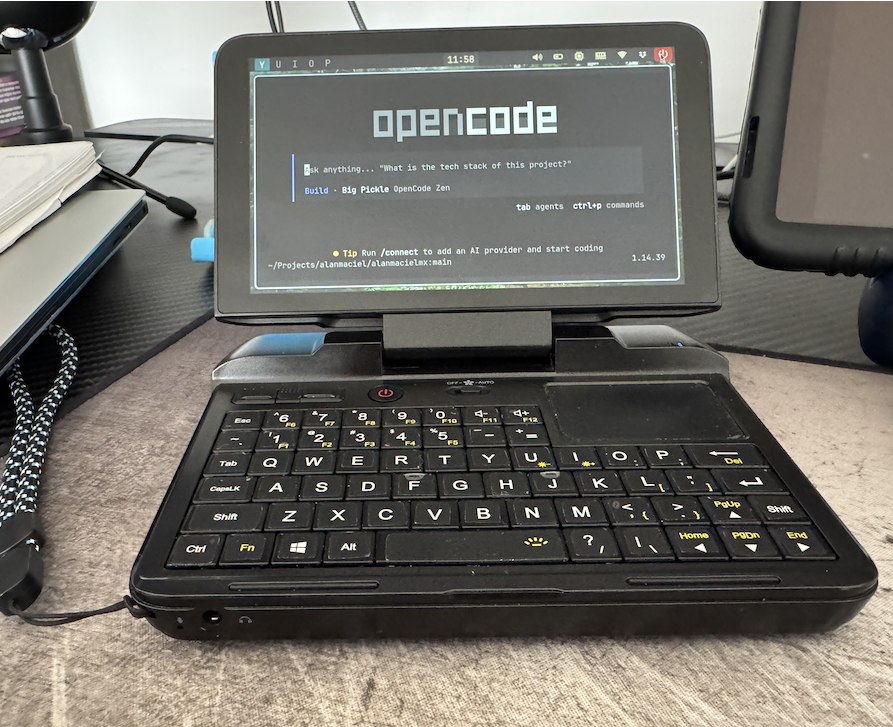
This setup made me think of my work equipment as a distributed system. The MacBook is the stable place where context lives; the GPD MicroPC is the portable entry point. The connection is what lets the two devices complement one another.
When that connection is reliable and protected, mobility no longer depends on carrying everything with me. I can travel light and keep continuity: the same environment, files, and tools, available from a computer small enough to bring almost everywhere.
It is not about carrying the office in my pocket. It is about being able to return to it when I truly need to.