Devcontainers - Reproducible Development Environments
Say Goodbye to the Setup Nightmare
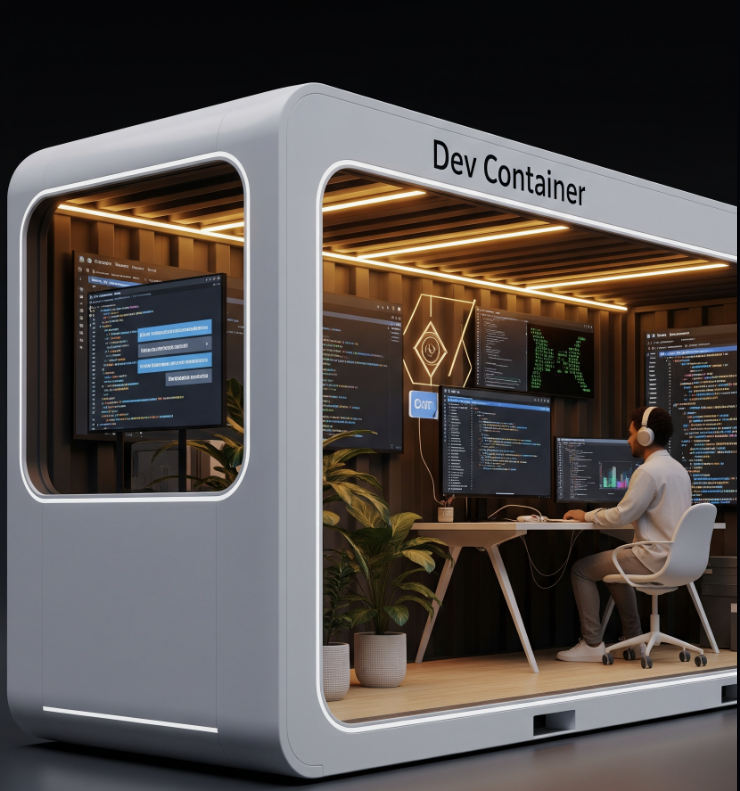
Reproducible Development Environments: Say Goodbye to the Setup Nightmare
If you’ve ever started a new project, you know the pain: the ritual of cloning, configuring, and hoping everything works.
The process often involves reading the README, diving into other documents or a wiki, and inevitably having to talk to a colleague because something has changed. You then face the challenge of configuring your environment—handling tools like Rvm or rbenv, setting up a database, checking and updating installed versions, and managing environment variables for services like Redis. After all that, you return to the start, re-reading the README, and then you have to check if your other projects are still functional.
This agonizing setup process is exactly why Devcontainers exist.
A Project in a Box: Devcontainers Explained
A devcontainer provides a functional development environment for a project that feels like “one project - one computer”.
To start developing, you only need three things: Internet access, Git installed, and Docker installed. The steps are straightforward:
- Clone the project.
- Open it in your IDE (like Cursor, VSCode, or Windsurf).
- The IDE detects the devcontainer.
- You confirm that you want to open it and wait a few minutes.
The result is a functional development environment ready for the project you are working on. This environment is essentially a full SDK and libraries for the languages and frameworks you use, orchestrating the required containers for the app and its services in an isolated network.
Development Container vs Deployment Container
While you may already use Docker for your project, it’s critical to remember that development is not deployment. These containers serve very different purposes:
- **Deployment Container: **Uses a minimal distribution (Alpine or Slim), includes only the most essential elements for required services, features strict security, and utilizes monitoring tools. They have consolidated layers for fast and compact builds, with changes tightly controlled to avoid breaking production.
- **Development Container: **Uses a functional distribution like Debian or Ubuntu. It includes the full toolchain, compilers, libraries, and complete frameworks. It is optimized to run tests, contains debugging tools, and often includes fake data (seeds) to test production-like scenarios. It allows for centralized environment variables, includes services like databases and Redis, and uses an incremental Dockerfile for fast rebuilds during frequent changes.
In short, a devcontainer is a centralized place to establish environment variables and map files from your local filesystem directly to the container.
Key Benefits of Reproducibility
The shift to devcontainers offers significant advantages:
- Faster Onboarding: Onboarding is easier and quicker.
- **Project Isolation: **Changes and configurations do not affect other projects.
- **Consistency: **There are no more “Works on my machine” issues due to differences in configurations or installations.
- Unified Tools: Tools and configurations are shared and unified across all development environments.
- Experimentation: The environment is disposable, making it easy to experiment with different library or OS utility versions.
- **Living Documentation: **The setup acts as living, executable documentation of dependencies, which is repeatedly tested and therefore always updated.
Furthermore, they make it easier to move to cloud collaborative environments.
Trade-offs to Consider
Devcontainers are a powerful tool, but they aren’t without challenges:
- There is a learning curve associated with both Docker and understanding how Devcontainers function.
- You might encounter occasional problems related to file or directory mounting, permissions, and similar issues.
- Things that work natively may now require explicit configurations, such as port mappings.
- There can be a reduction in speed on Macs with M processors.